PDF Toolkit | Scan, Merge, Split & OCR — Free PDF App
Scanning a paper document, merging several PDFs into one, pulling out just the pages you need — PDF tasks come in many shapes, and hunting for a different app for each one gets old fast. PDF Toolkit brings the everyday PDF tasks together into one free app.
In short: with PDF Toolkit, scanning, OCR, merging, splitting, and signing can all be done entirely on your phone.
PDF Toolkit
Scan, merge, split, compress, and recognize text with OCR — the everyday PDF tasks, all in one app. Great for anyone dealing with contracts, invoices, or lots of paperwork.
📲 Free DownloadWho is this for?
PDF Toolkit is a good fit if you've run into any of these:
- Wanting to scan a paper document into a PDF, without a scanner or all-in-one printer
- Needing to merge multiple PDFs into one, or split out just the pages you need
- A PDF file too large to send
- Wanting to make a scanned PDF's text searchable and copyable (OCR)
- Needing to add a handwritten signature or note to a contract or form
- A PDF with pages facing the wrong way that need straightening out
Key features
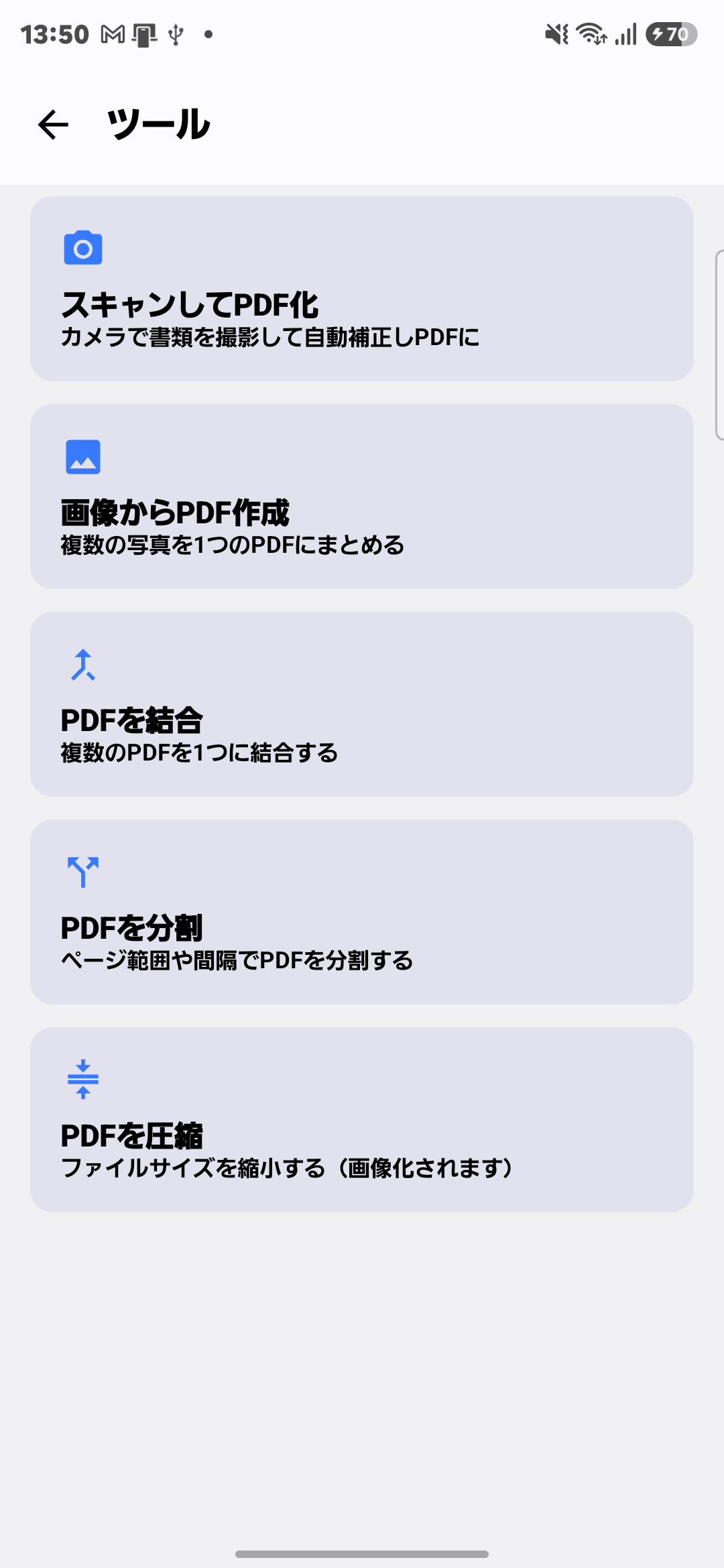
| Feature | What it does |
|---|---|
| Scan to PDF | Photograph a document and it's auto-corrected into a PDF |
| Images to PDF | Combine multiple photos into a single PDF |
| Merge PDFs | Combine multiple PDF files into one |
| Split PDF | Split a PDF by page range or interval |
| Compress PDF | Shrink file size (pages are converted to images) |
| OCR Text Recognition | Make scanned text searchable and copyable |
| Rotate Pages | Fix pages that are facing the wrong way |
| Extract Pages | Pull out just the pages you need into a new PDF |
| Share Page as Image | Share a single PDF page as a JPEG or PNG |
| Handwritten Notes | Add a signature or note directly on the PDF |
How it works
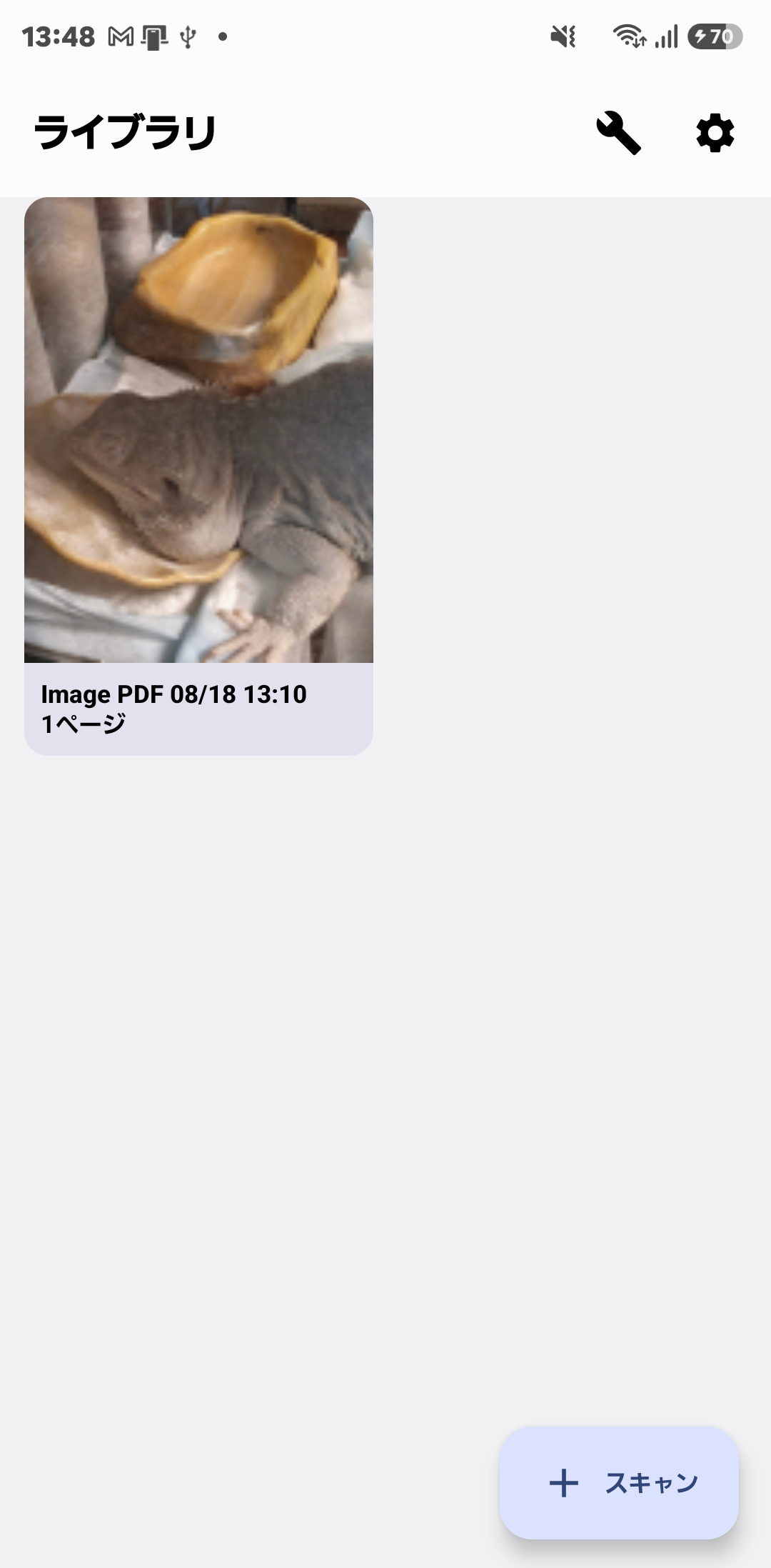
Open the app, pick the PDF (or a saved/captured photo), and tap the feature you want (merge, split, OCR, and so on). Scanning is as simple as pointing the camera at a document — cropping and deskewing happen automatically. Step-by-step guides for each feature are linked below.
FAQ
Q. Is PDF Toolkit free to use?
A. Yes. You can download it for free from Google Play and use every feature. PDFs exported on the free plan carry a small watermark; watching one short video ad lets you share that PDF without it, and the one-time PRO purchase removes both the ads and the watermark.
Q. Can I scan a paper document into a PDF on my phone?
A. Yes. Photograph the document and it's auto-corrected and saved as a PDF.
Q. Can I merge multiple PDFs into one?
A. Yes, and you can also split a PDF by page range.
Q. Can I make a scanned PDF's text searchable and copyable?
A. Yes, with OCR — it recognizes the text in a scanned PDF so you can search and copy it.
Q. Can I add a handwritten signature to a PDF?
A. Yes. You can add a signature or note drawn with your finger directly onto a PDF, such as a contract.
Ready to clear out your PDF backlog?
Stop switching between different apps for scanning, merging, splitting, OCR, and signing — PDF Toolkit covers it all in one place.
📲 Free Download